Renovate
Scroll
Plan your BTO reno in 3D. HDB-compliant, no CAD skills needed.
Pick your flat type, drag in furniture, and share the whole dream with others hassle free, all in one link.
Built for
Plan without the learning curve
Planning made easy, allowing you to focus on what's important, then sharing it with whoever needs to weigh in.
Walk in with a shared model
Less time explaining from scratch, more time refining what they actually want.
Fewer questions, better submissions
Revolve catches compliance issues before homeowners decide to contact HDB, reducing back-and-forth and freeing up enquiries.
Plan your flat together, not over paper and screenshots.
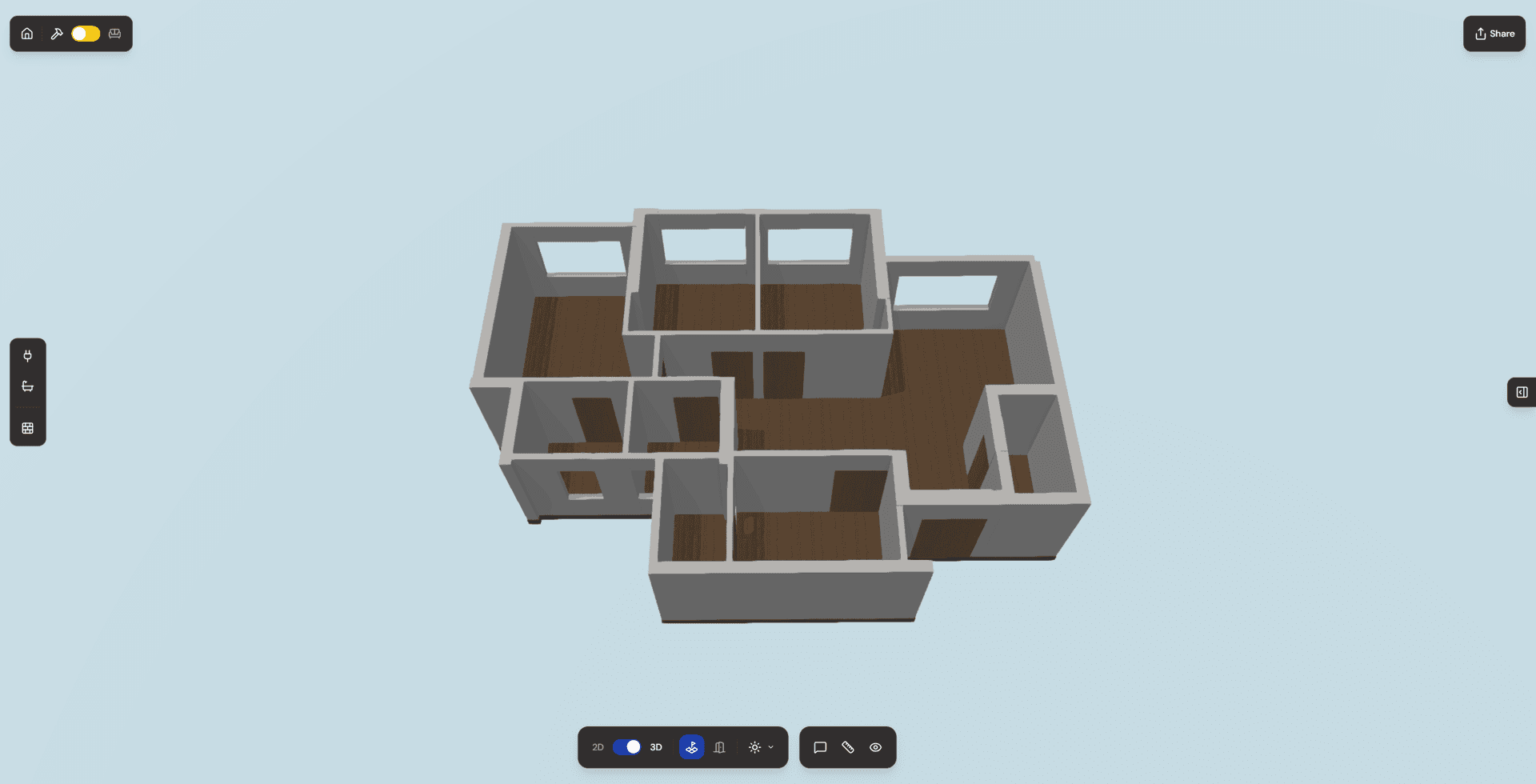
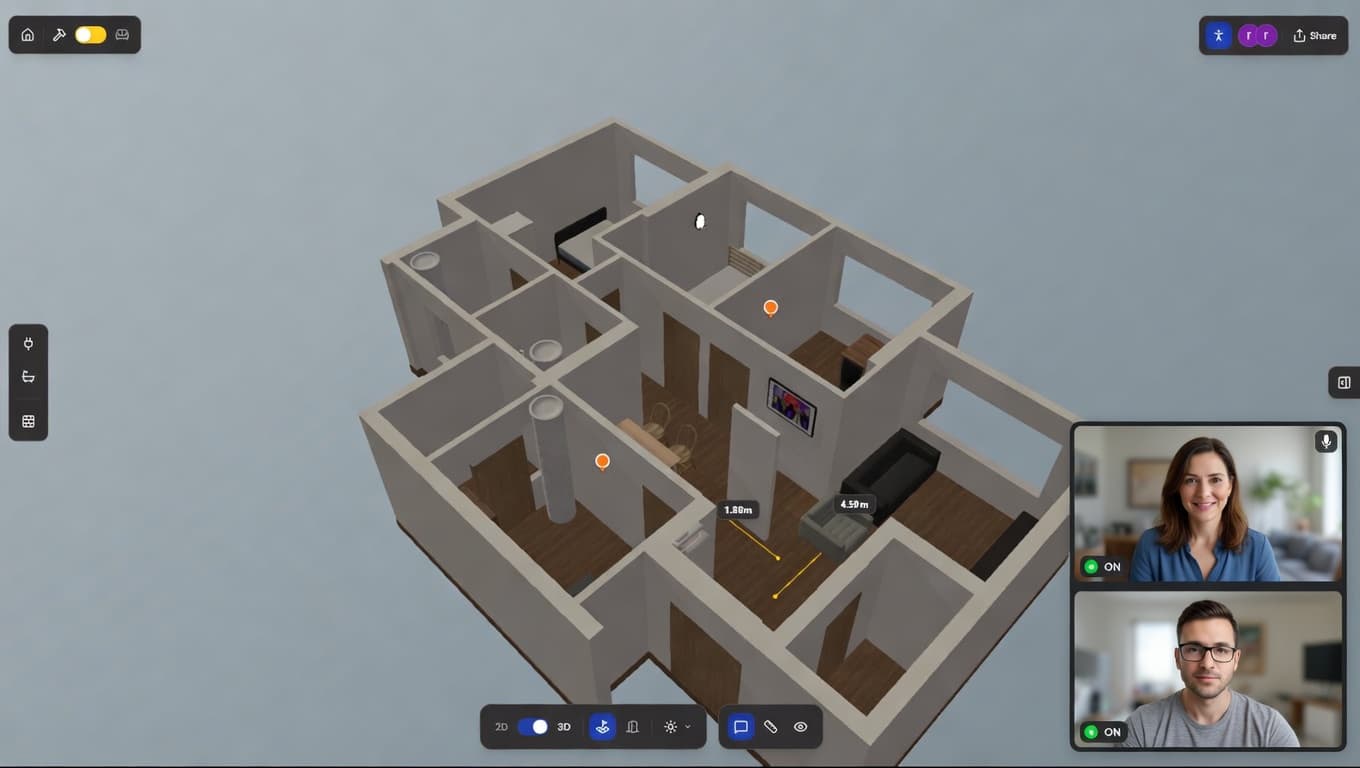
Share one link and everyone joins the same 3D project.
Swap between layouts, try a different sofa, move the TV wall. See exactly what works before you commit to anything.
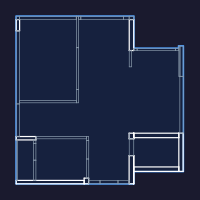
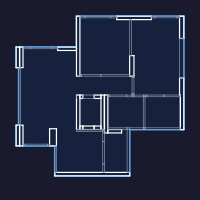
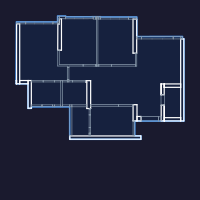
Built for the hardest part of getting your flat
Stop guessing what HDB allows
43% of first-time owners only discover a violation after work has started. Revolve flags breached rules as you design, in plain language, before you commit to anything.
Get on the same page as your partner
Renovation is the first major decision you make together. A shared 3D model means you are literally looking at the same thing, not describing it over text.
Cut wasted meetings with your ID
Most couples spend the first 2 to 3 ID sessions just explaining what they want. Share your Revolve project upfront and skip straight to refining the details.
Use the 4-year wait to your advantage
You have years between BTO ballot and key collection. Start planning now, iterate freely, and arrive at your flat fully decided instead of rushing under a 3-month permit window.
How most couples plan their reno. And how it should go.
You trawl the HDB website for hours and still aren't sure what's actually allowed.
Your partner has a completely different flat in mind. You only find out after the ID meeting.
The permit gets rejected. You fix it, resubmit, and lose two weeks of your 3-month window.
66% of homeowners say they would do their renovation differently if they could start over.
HDB rules are checked as you place things. You see exactly what's breached and why.
You and your partner design together in real-time. No more "I thought you meant..."
Your ID receives your Revolve link before the first meeting. You skip the brief entirely.
You arrive at key collection with a plan that's already compliant, aligned, and ready to submit.
Your BTO reno starts here
Free to use. No CAD skills required. Start with your flat type, design in 3D, and share with everyone involved, all in one place.